Best Free Steam Games to Try This Weekend: A Selection Framework
Find worthwhile free-to-play Steam games and learn how to distinguish permanent free titles from limited-time trials.
Best Free Steam Games to Try This Weekend: A Selection Framework
Quick answer: Find worthwhile free-to-play Steam games and learn how to distinguish permanent free titles from limited-time trials. This guide focuses on practical decisions readers can verify themselves, rather than promising shortcuts or repeating unconfirmed social-media claims.
Search results are crowded with brief answers and recycled advice. The useful question is what you should actually do next, what trade-offs matter and how to check whether the advice still applies. Below is a structured approach for players who want a dependable answer, not just a collection of keywords.
Free-to-play versus free weekends
A permanently free-to-play game is different from a temporary free weekend. A promotional trial may stop being playable when the event ends, while a free-to-keep promotion can add a permanent license if claimed in time. Read the offer details carefully. This guide focuses on finding and evaluating opportunities rather than inventing a live promotion.
Start with your preferred genre
Competitive shooters, cooperative survival games, strategy titles and social games reward different kinds of players. Pick a genre before scrolling through rankings. A popular multiplayer game can be a poor fit if you want a relaxed solo experience. Match your choice to the time and attention you actually have this weekend.
Check the active Steam offers
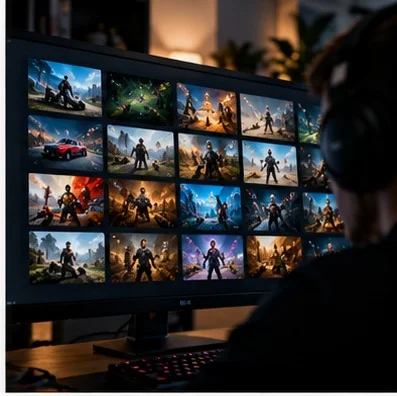
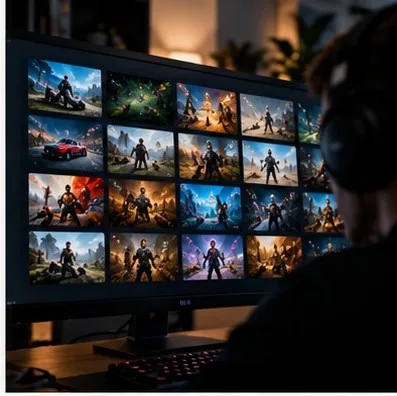
Open the official Steam store and look for clearly marked free-to-play titles and current promotional banners. Check the end time and region restrictions of any temporary offer. Do not rely on a screenshot shared several days earlier. Promotions change quickly, and the Steam store is the most useful final verification point.
Consider competitive multiplayer
Free competitive games can offer hundreds of hours of play, but they may have steep learning curves. Evaluate matchmaking, onboarding and whether a friend can join easily. If you are testing a shooter, spend the first session learning controls and communication rather than expecting immediate ranked success.
Consider cooperative and casual play
A free game is especially attractive when a group can try it without coordinating purchases. Check party size, cross-platform compatibility and whether voice chat is built in. Also verify whether progression is shared across modes. A cooperative game with a simple tutorial may deliver more weekend enjoyment than a demanding competitive title.
Read reviews critically
Look beyond the overall rating. Recent reviews may reveal server problems, monetization changes or technical issues that older reviews do not reflect. Compare complaints with your hardware and region. A review about a high-end graphics feature may be irrelevant to your laptop, while reports of frequent disconnects could be decisive.
Understand the real cost of free
Free-to-play games may monetize cosmetics, battle passes, expansions or convenience features. Check whether purchases affect competitive balance and whether the base game is enjoyable without paying. Set spending expectations before playing. Free access is valuable only if the experience remains worthwhile on your own terms.
Make a two-hour trial plan
Choose two games, install them ahead of time and give each a short, focused test. Judge performance, controls, social experience and whether you want to return tomorrow. Uninstall titles that do not click instead of keeping a backlog out of obligation. Bookmark the Steam store for the next promotion cycle.
Practical checklist before you finish
Use this three-part test: first, confirm the relevant information in the official game client or publisher documentation. Second, compare the advice with your own goals, hardware, budget or skill level. Third, record what actually changed after you applied it. A clear before-and-after comparison is more valuable than a dramatic claim without evidence.
If you are sharing the guide with friends, include the date you checked the information. Live-service games and digital storefronts change frequently, and an accurate answer today can become incomplete after an update. Whenever a menu, policy or schedule looks different, prioritize the current official interface over screenshots from an older guide.
Frequently asked questions
Is this advice suitable for beginners?
Yes. Begin with the fundamental steps, avoid optional complexity and make one change at a time. Beginners benefit most from predictable routines and clear definitions rather than advanced shortcuts.
Should I trust viral tips or settings?
Treat them as hypotheses to test. Popularity is not proof of accuracy, and an approach that works for one person may depend on their equipment, account, region or preferred playstyle.
How often should I check for updates?
Recheck whenever a relevant game patch, tournament announcement, platform-policy update or significant client change occurs. Avoid claiming that an old screenshot confirms a current feature.