Call of Duty Redemption Center Guide: How to Redeem Codes for Warzone & CoD Mobile
Looking to claim Double XP tokens, Monster Energy skins, or CoD Mobile weapon blueprints? Here is the step-by-step guide to using the official Call of Duty redemption center without verification errors.
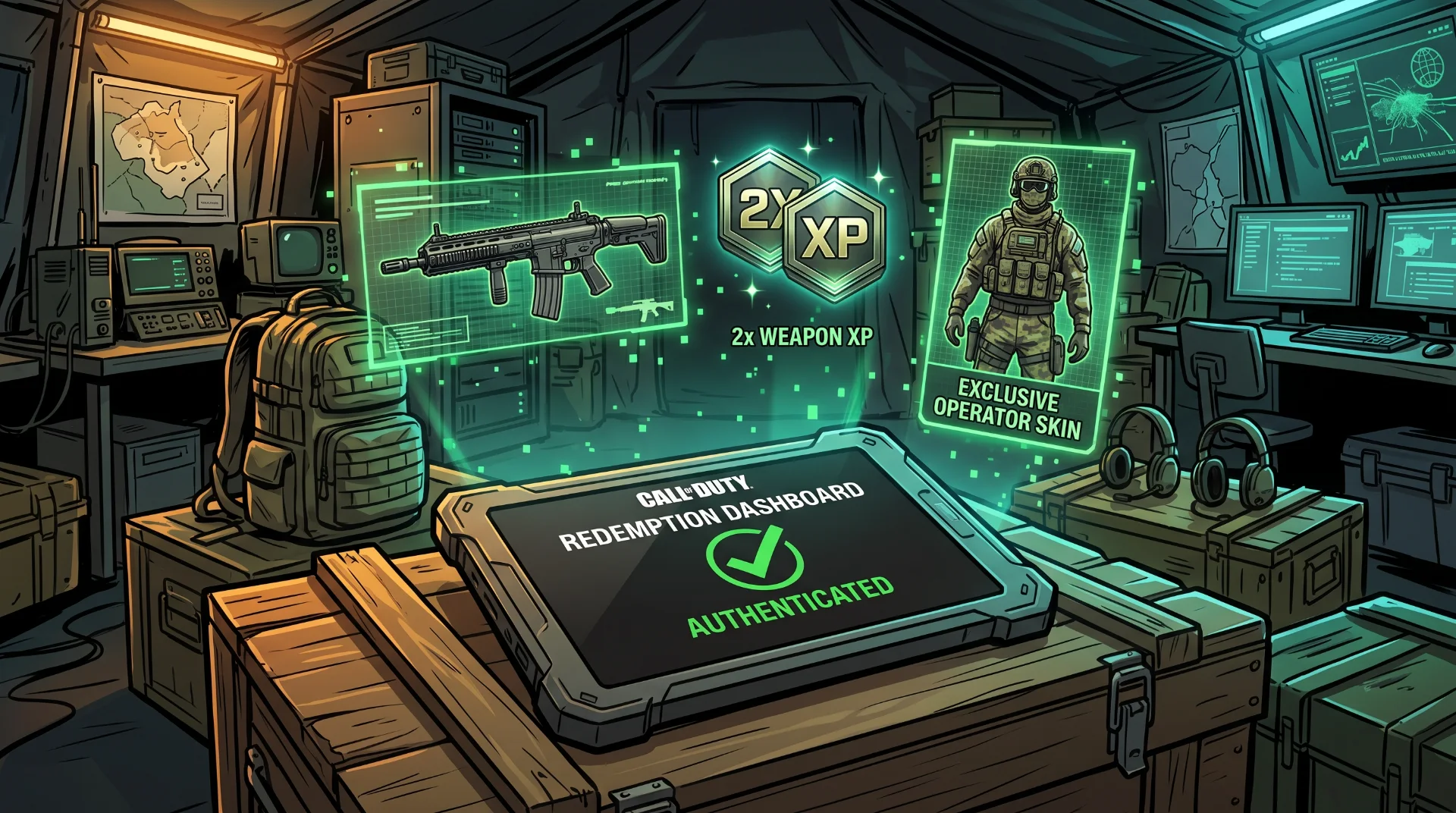
Unlocking the Armory: The Definitive Call of Duty Redemption Center Guide
From corporate promotional partnerships with energy drink brands to live esports championship broadcast drops, Activision regularly distributes digital promotional codes. These vouchers reward players with exclusive weapon camos, calling cards, operator skins, and hours of valuable Double XP tokens.
However, navigating the redemption process can be frustrating. High search volume for "call of duty.com/redemption" highlights ongoing user confusion regarding linked platform accounts, expired codes, and regional server verification loops.
Below is an operational walkthrough on using the official redemption portal safely, troubleshooting common browser submission errors, and claiming cross-platform rewards.
Step-by-Step Redemption on the Official Activision Portal
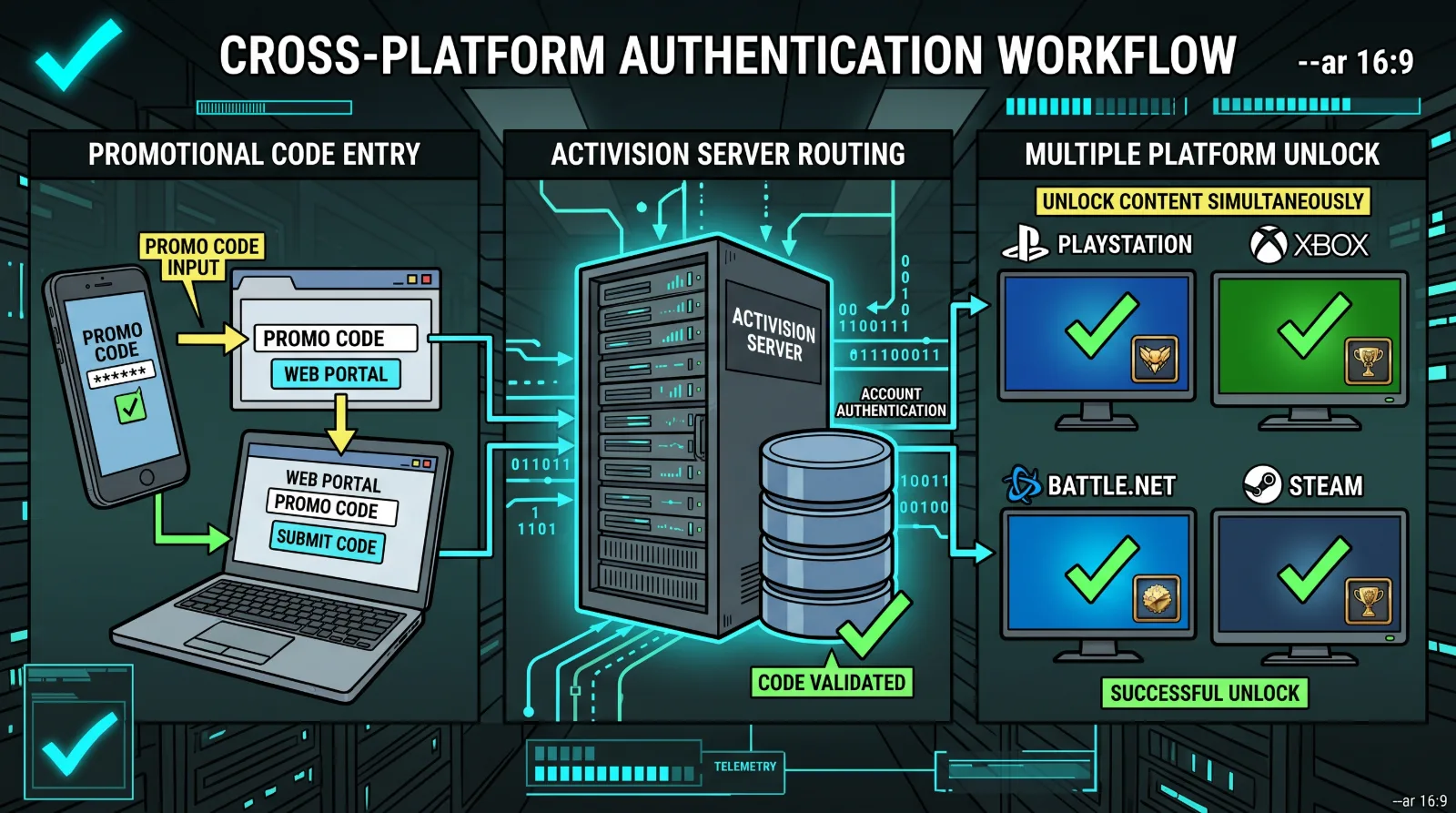
To ensure promotional vouchers credit to your correct profile, follow this sequence:
- Open your web browser and navigate directly to the official portal at Call of Duty Redemption.
- Sign in with your primary Activision Account. Ensure this account is actively linked to your current PlayStation Network, Xbox Live, Battle.net, or Steam profile.
- Input your alphanumeric code string into the dialogue box exactly as printed, ensuring capital letters and hyphens are preserved.
- Click Submit. A verification prompt will confirm which specific cosmetics or XP tokens have been added to your profile.
- Launch or restart your game to allow server manifests to synchronize your new inventory items.
Redeeming Codes for Call of Duty: Mobile
CoD Mobile operates on a distinct redemption backend:
Mobile Redemption Nuances:
UID Requirement: In addition to the promotional code, the mobile redemption portal mandates entering your unique User ID (UID), located in your in-game player profile beneath your avatar icon.
Verification Captcha: Input the 4-digit numeric verification captcha shown on the screen to prevent automated bot scraping.
In-Game Mailbox Delivery: Unlike mainline console games where items appear instantly in your locker, CoD Mobile rewards are delivered to your In-Game Mailbox, requiring manual claiming before they expire.
Troubleshooting Common Redemption Failures
If the portal rejects your voucher code:
- "Code Already Redeemed": Promotional codes are strictly single-use. If you acquired the code from a public forum, another player has claimed the digital asset.
- "Account Not Linked": If the site accepts the code but items never appear in-game, your Activision account is not linked to your active console platform profile.
- Prepare for incoming tactical releases by exploring our verified launch dossier for gaming news.