Fortnite on Linux & Steam Deck Compatibility
Linux handhelds, Steam Deck accessories, portable gaming SSDs
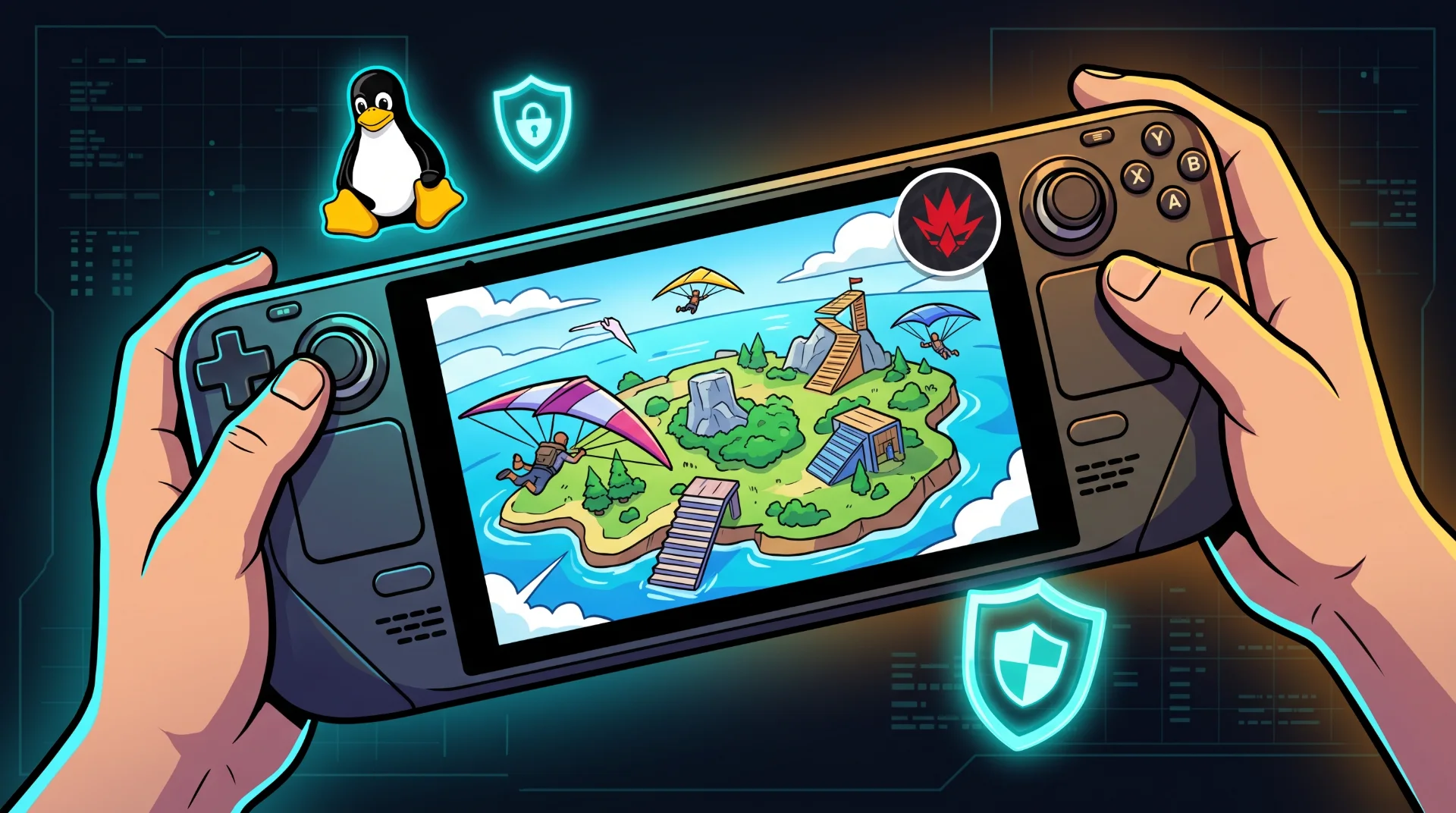
The Kernel Divide: The Technical Battle Behind Fortnite on Linux
Valve’s launch of the Steam Deck transformed handheld PC gaming, proving that a dedicated Linux operating system could run thousands of modern Windows games through Proton without specialized developer porting. Yet the single biggest title missing from native handheld play remains Fortnite.
Recent breakout searches regarding Fortnite coming to Linux and Epic Games Linux support reveal ongoing community desire for a native Linux binary.
Below is an engineering analysis explaining why kernel-level anti-cheat forms an ideological barrier, what risks prevent compatibility, and how players can access the Battle Bus on Linux machines today.
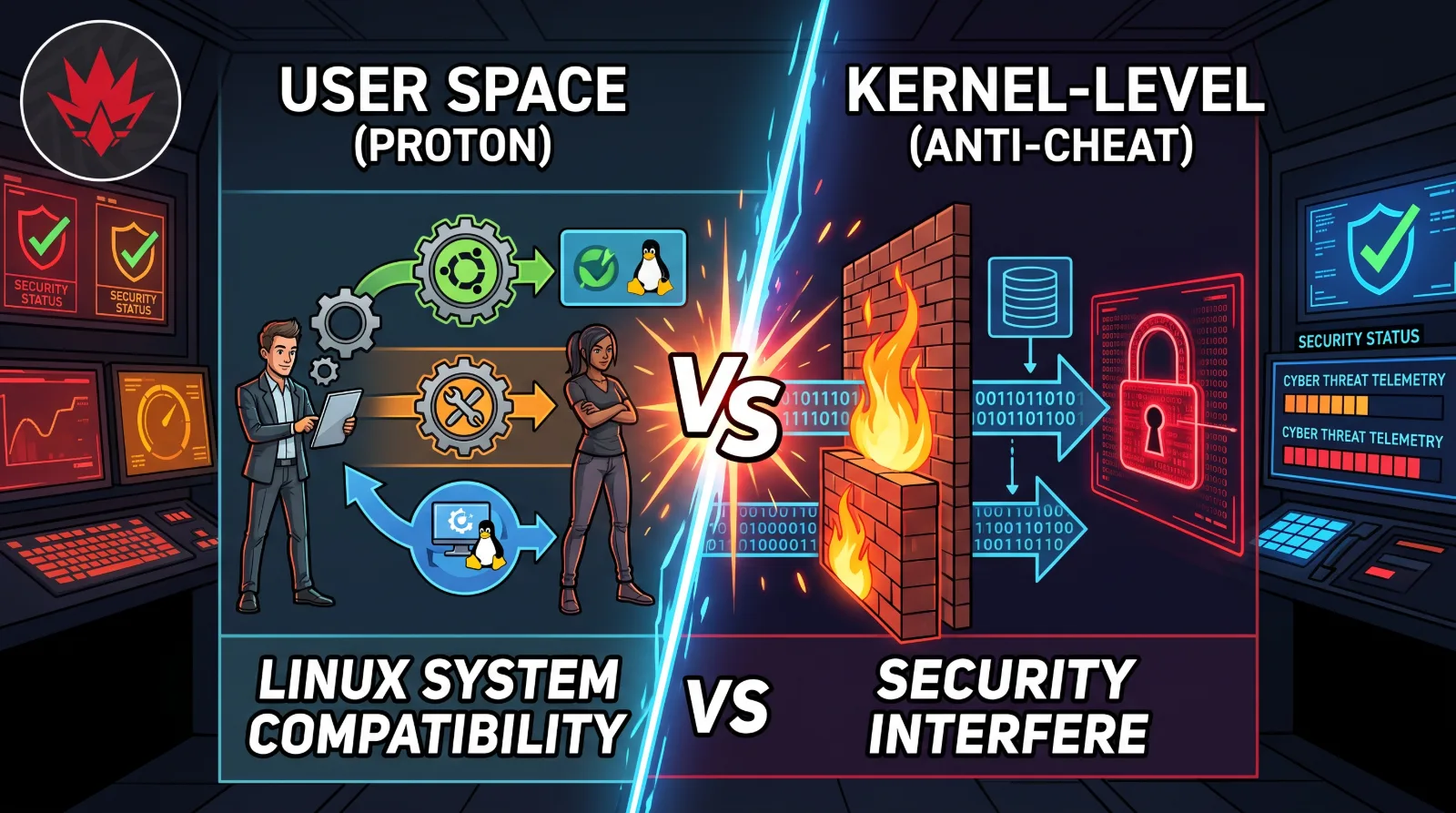
The Root Cause: Kernel-Level Anti-Cheat Verification
The core obstacle preventing Fortnite from running natively on Linux distributions like Ubuntu, Arch, or SteamOS is not graphics rendering. Unreal Engine features native cross-platform Linux compilation pipelines. The conflict lies entirely in security architecture:
Security Architectural Friction:
Kernel Space Monitoring: Fortnite relies heavily on Easy Anti-Cheat (EAC) and BattlEye running with elevated Ring 0 kernel permissions to detect injected memory manipulation tools.
The Linux Security Paradigm: In the open-source Linux kernel, user permissions are absolute. A user running root privileges can inspect, spoof, or modify memory addresses, making it difficult for automated anti-cheat drivers to verify system integrity.
Tim Sweeney's Official Stance: Epic Games leadership has stated concerns that the infinite variability of custom Linux kernels creates an unmanageable attack vector for competitive multiplayer shooters.
Safe Alternative: Browser Cloud Streaming
Because attempting to bypass anti-cheat checks on Linux using custom Wine patches can result in permanent account bans, cloud streaming represents the only verified solution.
Streaming Benefits on Steam Deck:
Zero Download Size: Stream directly from remote server racks without allocating 60 GB of local storage memory.
Full Frame Rate Stability: Experience stable 60 FPS output while preserving mobile battery life.
Complete Configuration: Learn how to configure browser streaming on portable screens by reading our Fortnite cloud gaming optimization guide.
Dual-Booting Windows on Handheld Hardware
For enthusiasts who refuse to compromise on native performance:
Install Windows onto an external high-speed microSD or separate internal SSD partition.
Boot natively into the Windows operating system to launch Epic Games Launcher with full kernel security compliance.