Is Steam Down? How to Use Down Detector, SteamDB & Check Server Status
Wondering if Steam is down worldwide or if it's just your internet connection? Here is how to use Downdetector, SteamDB, and official telemetry tools to diagnose Valve outages in real time.
Live Diagnostics: Verifying Valve Outages with Downdetector and SteamDB
When you click launch on your favorite multiplayer title and face an infinite loading loop, the immediate question is always the same: Is Steam down, or is something broken on my PC?
A sharp increase in worldwide search queries for steam down detector, steam server status, and is steam down shows how frequently gamers rush to verify whether a sudden disconnection is personal or universal.
Below is an operational guide explaining how to interpret third-party telemetry aggregators, analyze real-time outage heatmaps, and decipher Valve’s backend status indicators.
The Triad of Server Monitoring Tools
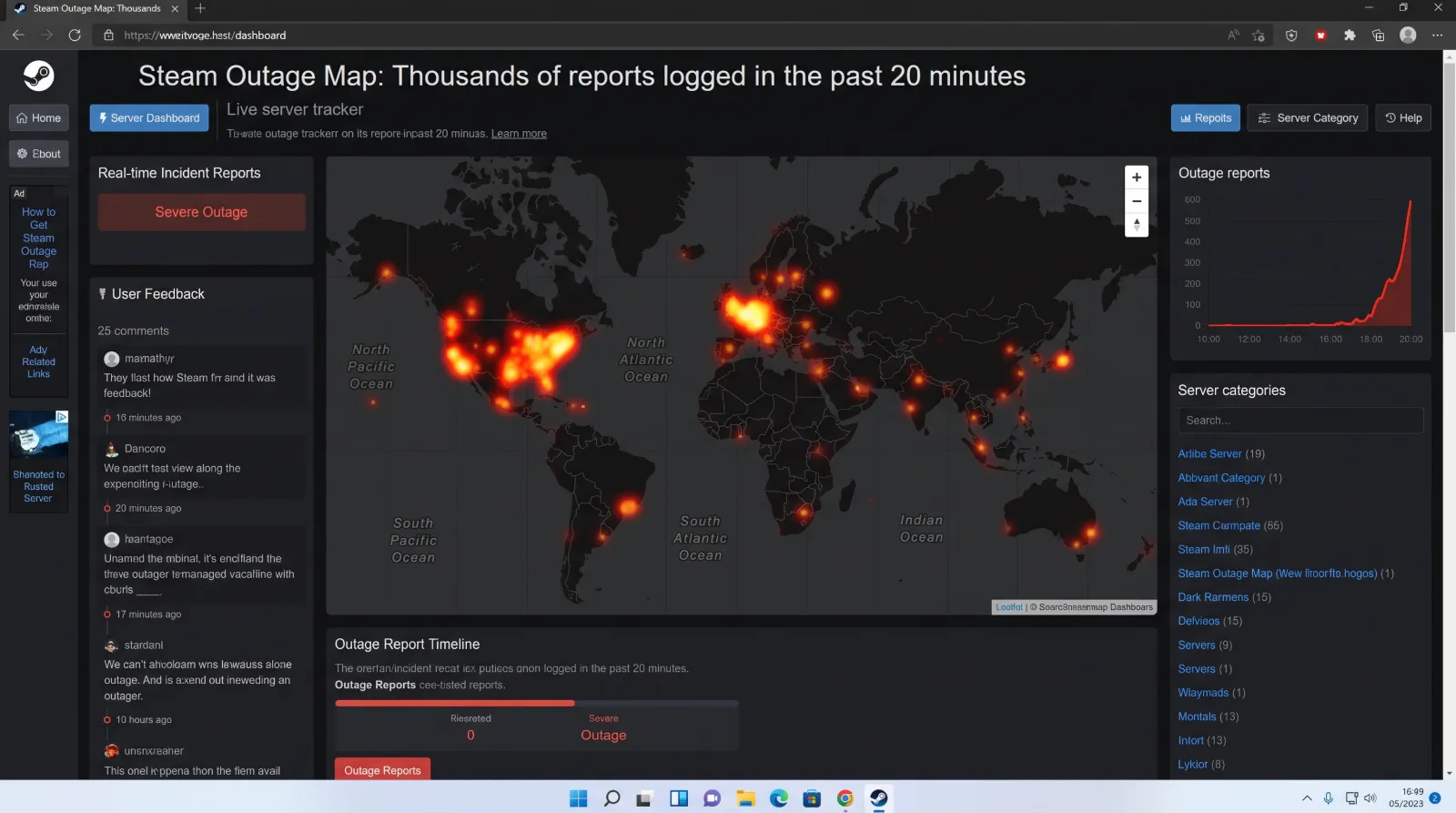
Do not rely on informal social media chatter to confirm an outage. Consult verified diagnostic dashboards:
- Downdetector: Aggregates real-time problem reports submitted by end users across global regions[cite: 30]. If the incident graph spikes above baseline by several thousand reports within ten minutes, a universal outage is confirmed[cite: 30].
- SteamDB Operations: A specialized technical telemetry monitor that queries Valve’s core server clusters every few seconds. It tracks individual health ratings for the Steam Store, Community Hub, Web API, and regional Connection Managers.
- Official Steam Status Twitter / X Accounts: Automated community tracking bots monitor public API endpoints and broadcast instant notifications the second servers desynchronize.
Deciphering Steam Server Clusters
Steam is not a monolithic single computer; it is a distributed network of specialized server farms:
Steam Distributed Network Architecture:
[Storefront Server Node] ===> Handles checkout, shopping cart, and publisher announcements.
[Community Hub Node] ===> Powers Workshop, inventory trades, user profiles, and forums.
[Connection Managers] ===> Manages active player logins, in-game friend lists, and chat.
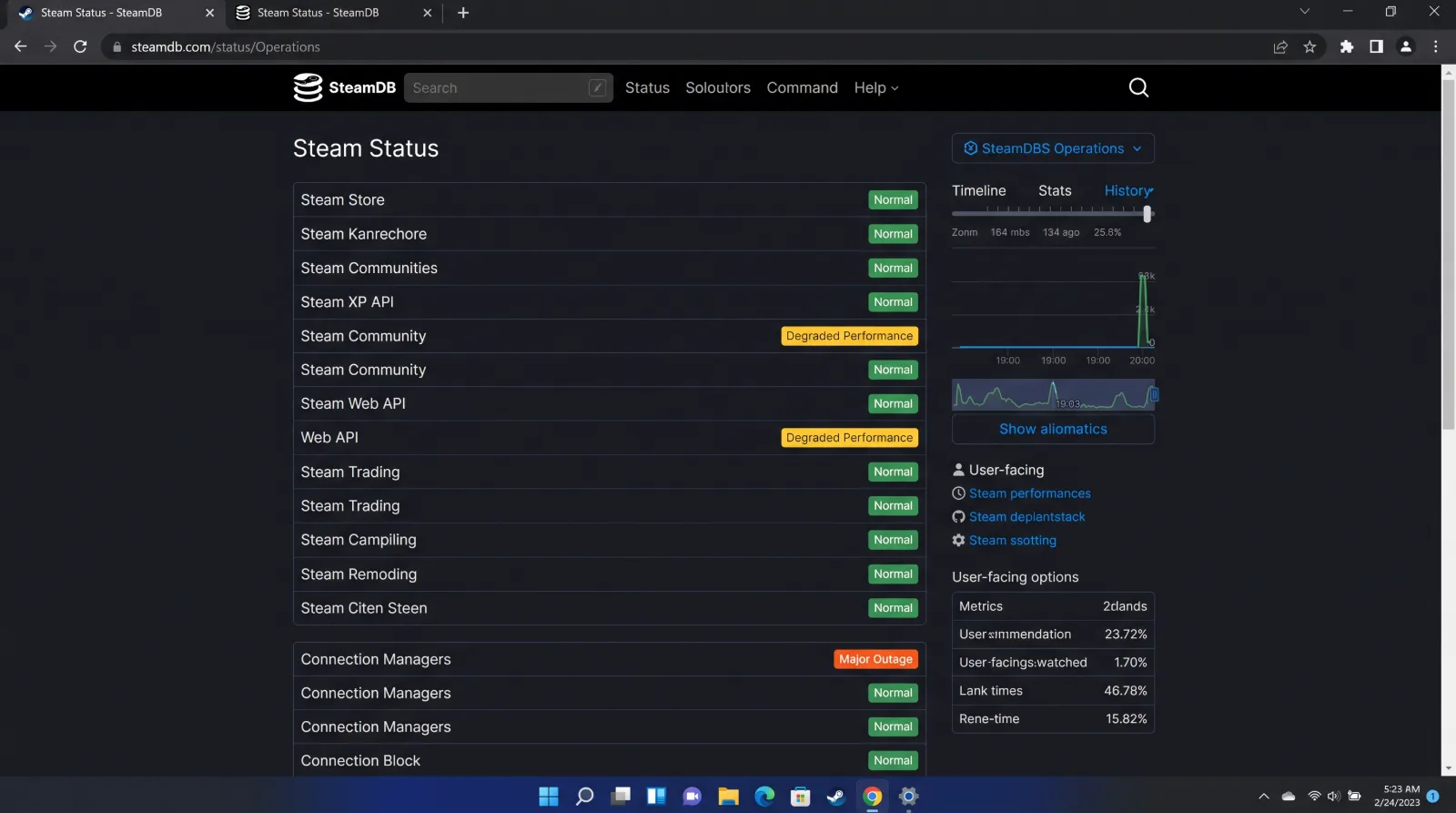
- Partial Outages: You might discover that the Steam Store is fully operational while the Community Hub is offline. This explains why you can purchase a game but cannot browse its Workshop or view your friend roster.
- Connection Manager Dropouts: If the Connection Managers fail, players are booted offline mid-match in competitive games like Counter-Strike 2 or Dota 2, even though the store remains accessible.
What to Do During Confirmed Outages
If telemetry confirms an active global outage:
Avoid Reinstalling Your Client: Tampering with local files or uninstalling games during an infrastructure outage will corrupt local registries and waste hours.
Enable Steam Offline Mode: If you wish to play single-player campaigns, navigate to Steam > Go Offline to launch your local installed titles without requiring server handshakes.
Keep your hardware running cleanly!