Steam Market Error: How to Fix Failed Inventory Loads & Buy Orders
Unable to load your Steam inventory or complete Community Market purchases? Here is how to bypass inventory load timeouts, clear session errors, and verify
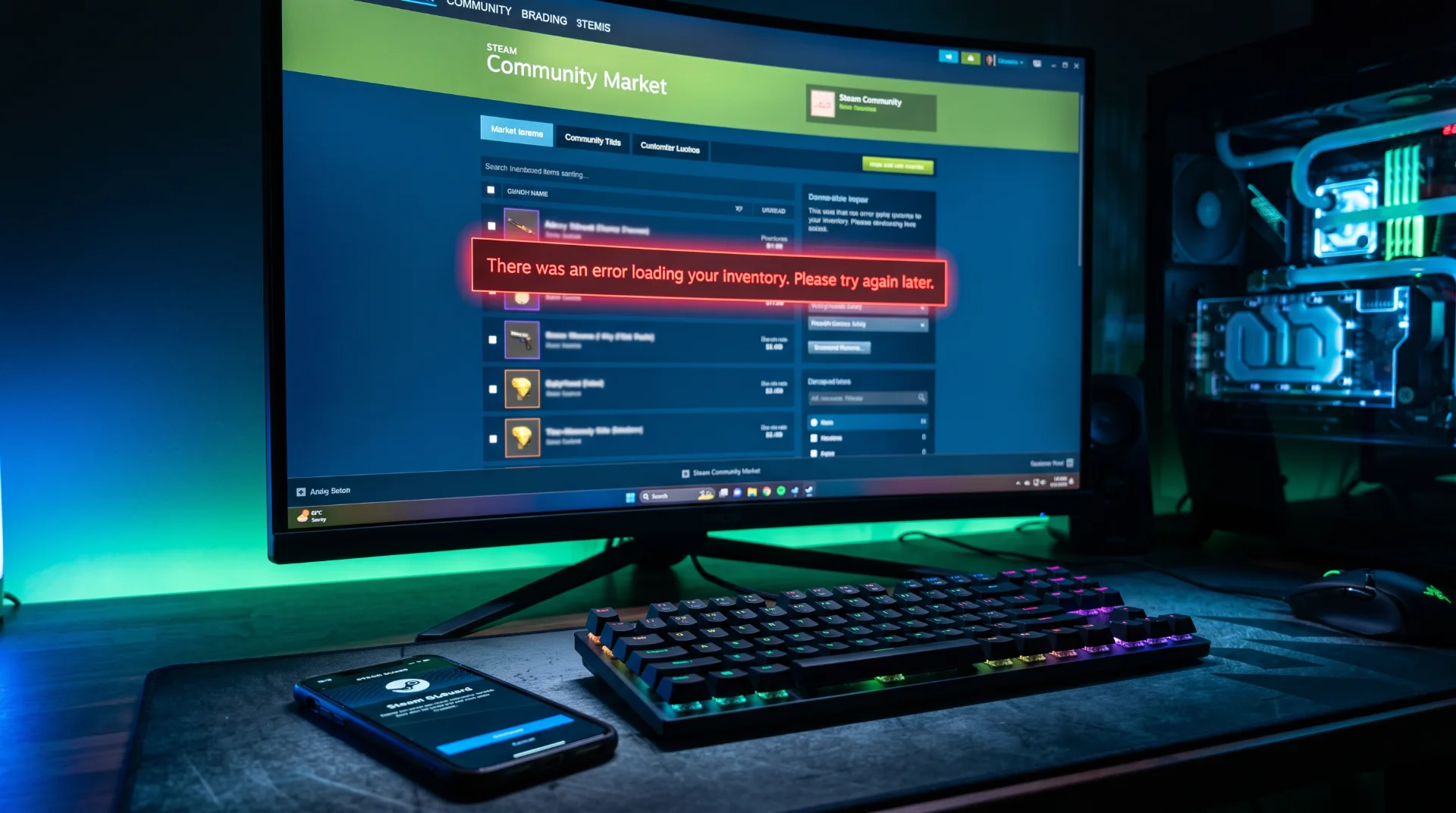
Market Stalled: Fixing Inventory Load and Trading Errors on Steam
Whether inspecting rare weapon skins in Counter-Strike 2 or buying trading cards to level up your profile, the Steam Community Market is a massive virtual economy. When the market fails, presenting errors like "There was an error loading your inventory" or "The Market is currently unavailable," transactions freeze entirely.
General server surges reflected in steam down and steam status queries often manifest first across inventory and market services.
Below is an operational guide to diagnosing Steam Market interruptions, resolving inventory cache delays, and securing trading accounts.
Why Does the Community Market Fail First?
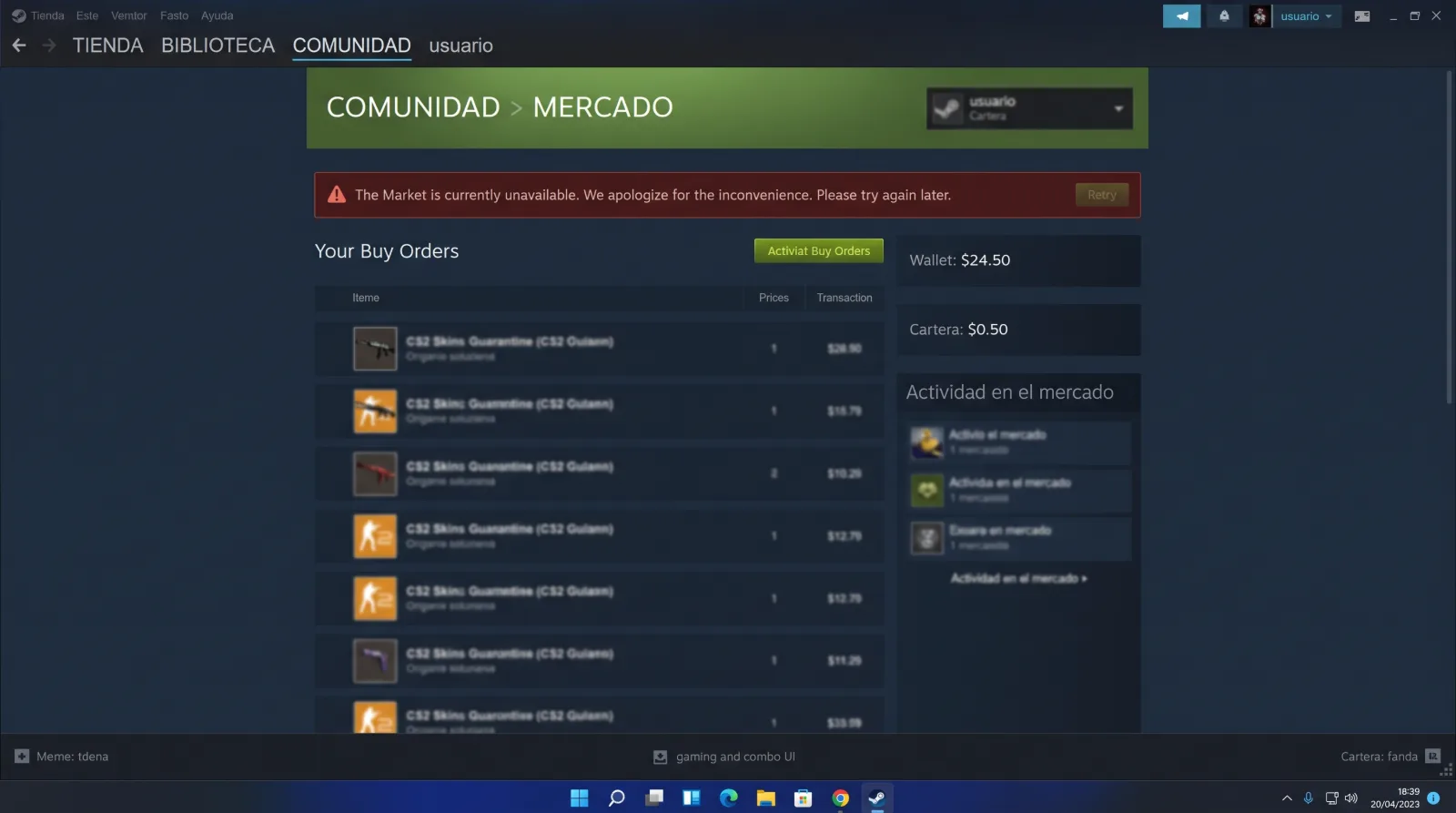
The Steam Market handles millions of real-time database queries per second, making it susceptible to load spikes:
- Database Rate-Limiting: Querying your inventory too frequently triggers automated rate-limits to protect Valve's SQL databases from denial-of-service degradation.
- Market Maintenance Windows: Valve deploys targeted updates to market payment pipelines independently of the broader store platform.
- Third-Party Extension Conflicts: Browser extensions designed to calculate market margins can overwhelm client connections with redundant automated requests.
How to Fix Inventory Loading Failures
Step 1 Disable Third-Party Trading Extensions:
If you use browser extensions for market trading, temporarily disable them. These utilities often trigger IP-based rate-limits by scraping price histories aggressively.
Step 2 Clear Market Session Cookies:
Open Steam > Settings > In-Game and click Delete Web Browser Data. Refresh the market page to establish a clean authentication session.
Step 3 Force Inventory Re-Indexing:
If your inventory appears empty in-game:
Launch the game, open the settings menu, adjust a minor audio setting, and save. This action forces the local client to send an inventory verification ping to Valve’s backend servers.
Ensure your digital transactions remain protected against scams